Notifications and integrations
Email notifications for your team
Where: Admin → Notifications → Email.
ConectDesk emails agents when a conversation is assigned to them, they're mentioned, or an SLA is about to be missed. By default these go out through ConectDesk's own mail server with your workspace name. To send them from your own address instead, fill in your mail server here.
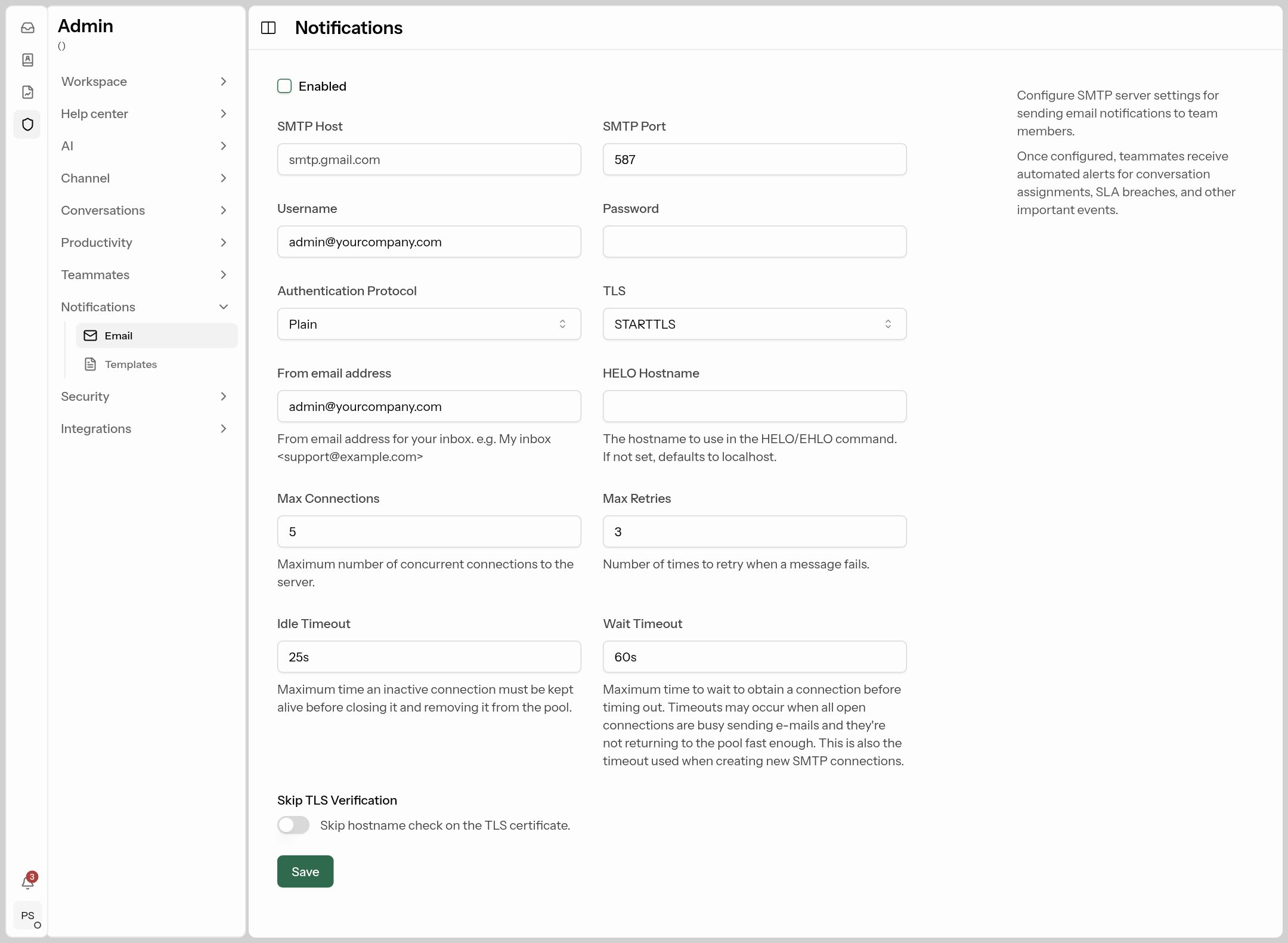
| Field | What to put |
|---|---|
| Enabled | On. |
| SMTP Host / Port | From your email provider, e.g. smtp.gmail.com / 587. |
| Username / Password | The mailbox login (for Gmail, an app password). |
| TLS | STARTTLS for port 587, SSL/TLS for 465. |
| From email address | Bright Classes <alerts@brightclasses.in> |
Email templates
Where: Admin → Notifications → Templates.
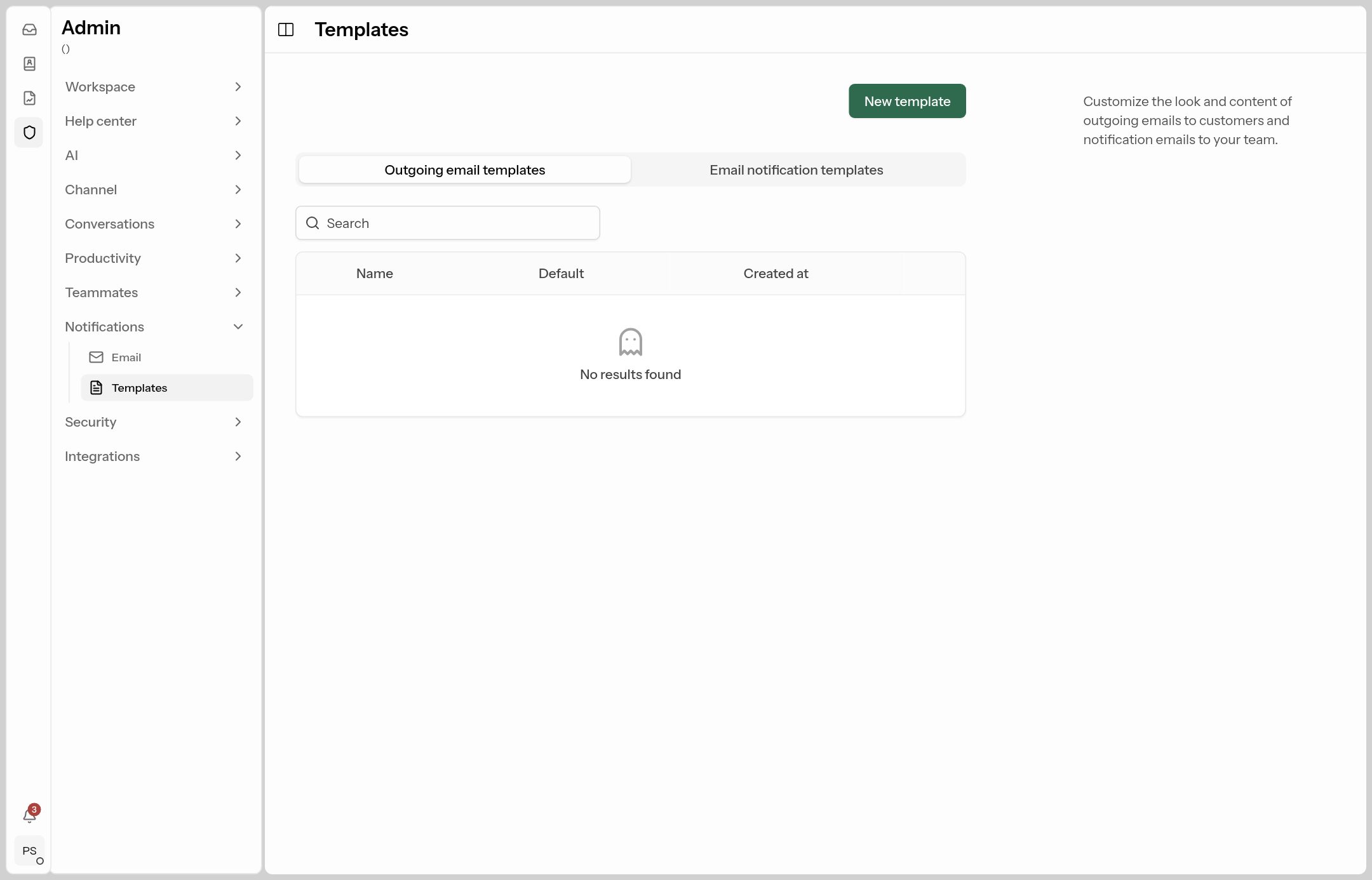
- Outgoing email templates wrap your agents' email replies to customers — add your logo, colours and footer. The template must contain
{{ template "content" . }}once, where the reply goes. Mark one as default. - Email notification templates are the emails your team receives (assigned, mentioned, SLA warnings, CSAT request…). Edit their subject and wording.
Webhooks
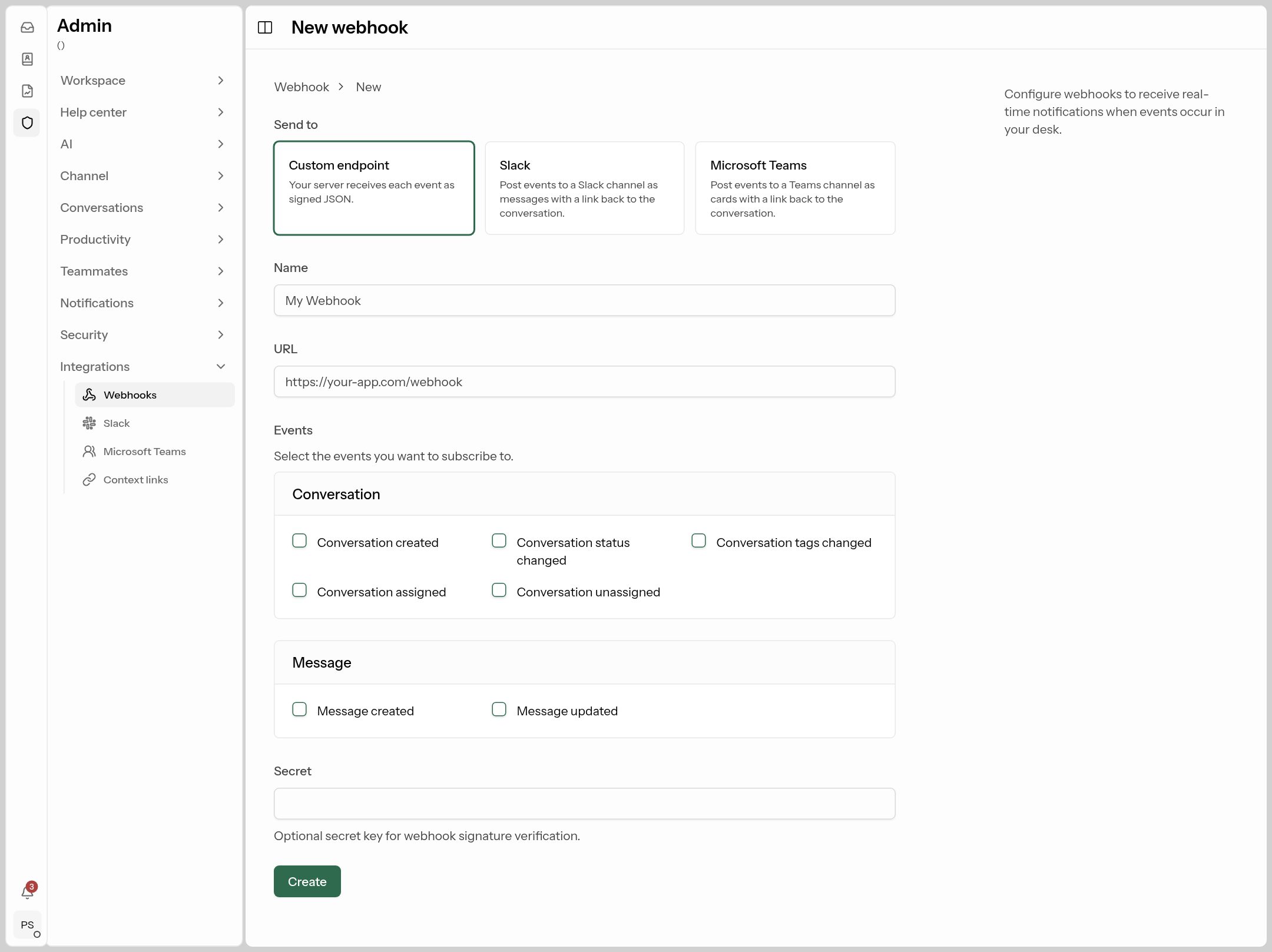
Where: Admin → Integrations → Webhooks. Sends events (conversation created, assigned, status changed, new message…) to your own server, or posts them to a Slack or Microsoft Teams channel. Click New webhook (or Add Slack / Add Microsoft Teams), give it a name and URL, tick the events, and use Send test to check.
Slack and Microsoft Teams
Where: Admin → Integrations → Slack / Microsoft Teams. Posts each new conversation to a channel as its own thread, with buttons to assign, reply, add a note or resolve right from Slack or Teams. Anything written in the thread is added as a private note.
- Slack: click Add to Slack and choose the channel.
- Teams: Download app package, upload it to your team in Teams, then Get a link code and send the message it shows in the channel.
Pick which events are posted per channel, then Save and Send test.
Context links
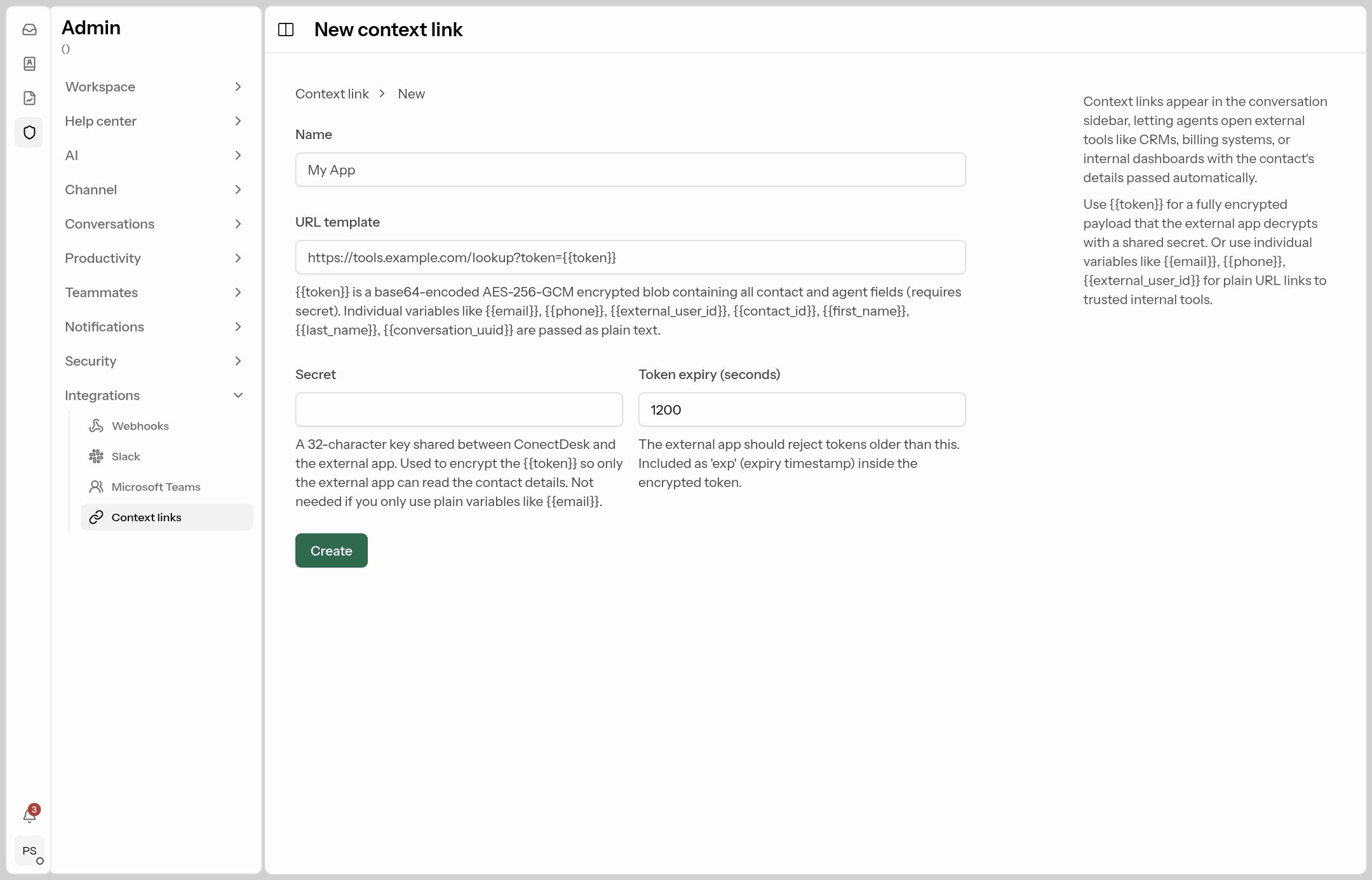
Where: Admin → Integrations → Context links. Adds buttons to the agent's conversation sidebar that open your own tools (CRM, fee portal, student ERP) with the customer's details filled in, e.g. https://erp.brightclasses.in/student?phone={{phone}}.